2.0 launch offer Pro is 25p a ticket right now, same as Core. Sign up today and keep that price forever.

Start free →

Real people who answer.

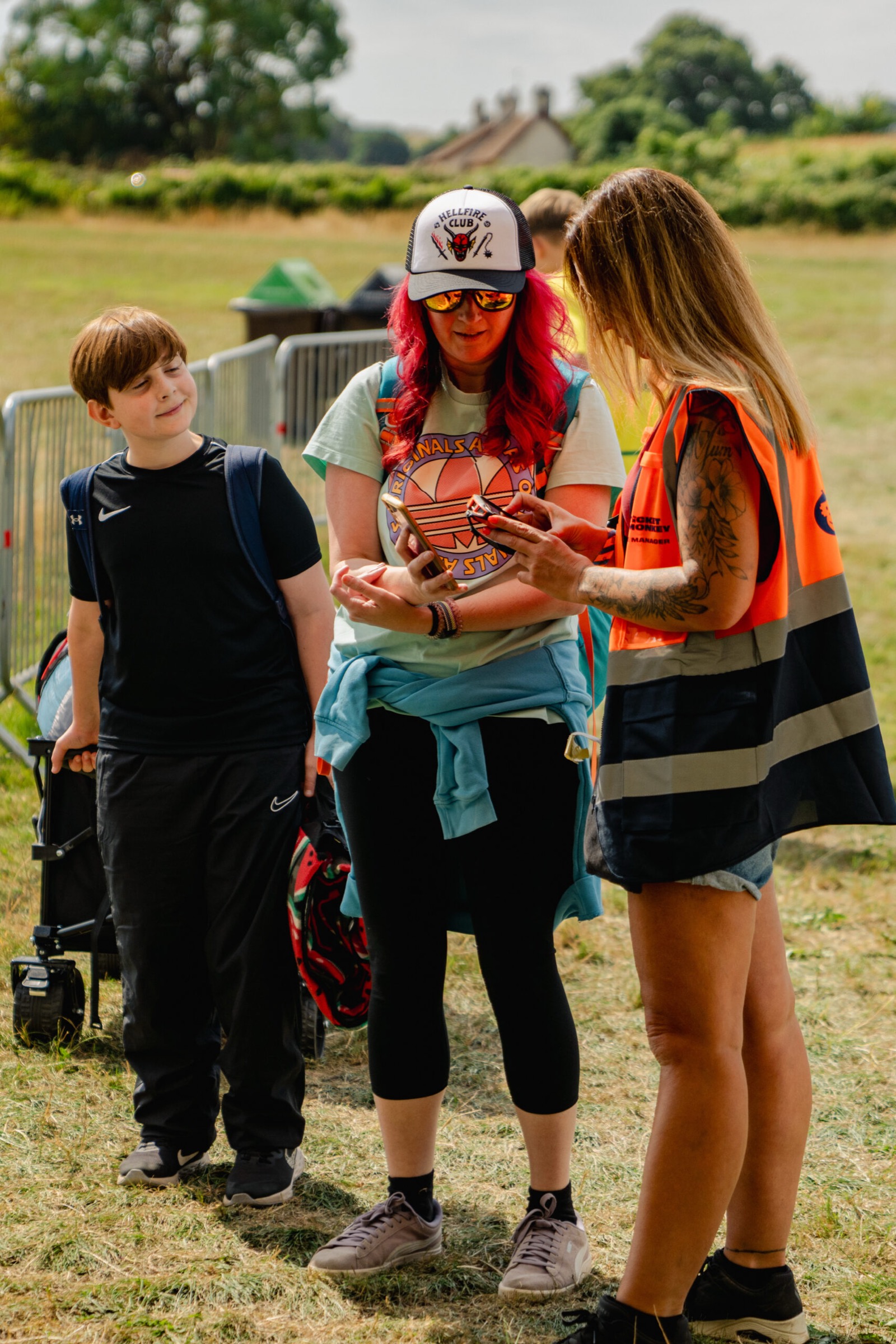
Help comes from a UK team who know the product and know events. Open a ticket from your dashboard, email us, or call when it can't wait.

On every plan

Getting help, and helping your buyers.

When you need us

  1. Step 01
    Click Help.

    The Help bubble on every dashboard page, or Support in the menu, opens your support page. It shows your open and closed tickets, whether the team is in, and the urgent phone line.

  2. Step 02
    Open a ticket.

    Pick the event it's about (or your account), a category, a priority from Low to Urgent, a subject and a message.

  3. Step 03
    Get an acknowledgement.

    You're told when to expect a reply and get a confirmation email. We get an email too.

  4. Step 04
    Talk it through.

    Our reply lands in your inbox and in the ticket thread. Reply back from either side.

  5. Step 05
    Know where it stands.

    Each ticket moves through Open, In progress, Waiting on you, Resolved and Closed, and you're emailed when it changes.

  6. Step 06
    Or email us.

    For anything urgent, email [email protected] and mark it urgent.

When your buyers need someone

  1. Step 01
    They see your details.

    The buyer's order page and the event page show the customer service name, email and phone you set on the event.

  2. Step 02
    You answer them.

    Buyer questions come to you by default, so you keep the relationship with your audience.

  3. Step 03
    Or hand it to us.

    On Managed, we can take your buyers' questions. The event then shows Ticket Monkey as customer service and checkout says so.

  4. Step 04
    A named account manager.

    Managed organisers get one person who knows their events and picks up the phone.

The options, in full.

OptionWhat it doesDefaultPlan
Ticket priorityHow urgent the ticket is: Low, Normal, High or Urgent.You chooseAll plans
Ticket categoryBilling, onboarding, bug, feature or other.OtherAll plans
Linked eventTies the ticket to an event, or to your account in general.The current eventAll plans
Customer service contact, per eventThe name, email and phone your buyers see on their order and the event page.Empty until setAll plans
Who answers your buyersYou, or our team when we run customer service for the event.YouManaged, set by our team

Hours, replies and who you get.

  1. Office hours
  2. How fast we aim to reply
  3. People, not a bot
  4. Two ways in
  5. What's new
  6. Rather we did it?
Skip ↓

Office hours

Monday to Friday, 9am to 4.30pm UK time, with extended cover around major event dates.

How fast we aim to reply

We aim to reply within the hour in office hours, and by 10am the next working day outside them. Tell us when an on-sale is close and we'll prioritise.

People, not a bot

Every reply comes from someone on our UK team. No chatbot, no offshore helpdesk.

Two ways in

A ticket from your dashboard, or an email to [email protected].

What's new

Announcements from us sit on your support page, and a panel on your dashboard shows what's new and what's coming.

Rather we did it?

The create-event screen has a "Rather we did all this for you?" route straight to the team who'll set it up for you on Managed.

Ask a question, get a person.
Asked and answered.

How do I contact support?

Open a ticket from Support in your dashboard, or email [email protected].

What are your support hours?

Monday to Friday, 9am to 4.30pm UK time, with extended cover around major event dates.

How fast will you reply?

We aim to reply within the hour in office hours, and by 10am the next working day outside them. If a major event is about to go live, say so and we'll prioritise.

Who will I be talking to?

People on our UK team who know the product and know live events. No chatbot and no offshore helpdesk.

Can I track my support tickets?

Yes. Your support page lists open and closed tickets with the full thread, and you're emailed when a ticket's status changes.

How do I mark something as urgent?

Choose Urgent as the priority when you open the ticket, or put Urgent in the subject line of your email.

Who answers my customers' questions?

You do by default, using the customer service details you set on the event. On Managed, our team can answer them for you.

What does Managed add to support?

A named account manager who knows your events, and if you want it, our team handling your buyers' questions from first on-sale to final scan.

Can you set my event up for me?

Yes, on Managed. Use "Rather we did all this for you?" when you create an event, or get in touch.

How do I hear about new features?

Announcements appear on your support page, and the dashboard has a panel showing what's new and what's coming.

Ready when
you are.

Three minutes to set up. Five minutes to your first ticket on sale. No card required to start. No contract to sign. If we're not the right fit, close the tab and we'll never know.